AI in your app.
Your boundaries.
Give your app AI with clear boundaries for data, tools and actions. You set the rules. ARC enforces them around local models and approved cloud models.
Try ARC for free Send a request. We’ll reply to the email address you provide.Local models and cloud models. The same control.
Both connect to nAvI and your own apps through ARC.
 Trust Core
Models · Data
Permissions · Budget
Where does ARC run?
Windows 11, 64-bit. Your hardware determines which models you can run locally.
Start on the machine you use. Connect your app to ARC and choose local or approved cloud models to suit the task and your machine’s capacity.
Easy to start.
Detailed when you need it.
Start with guided choices and setup templates. For specialised needs, tailor model profiles, connections, tools, permissions and usage limits — from a simple setup to fine-grained control.
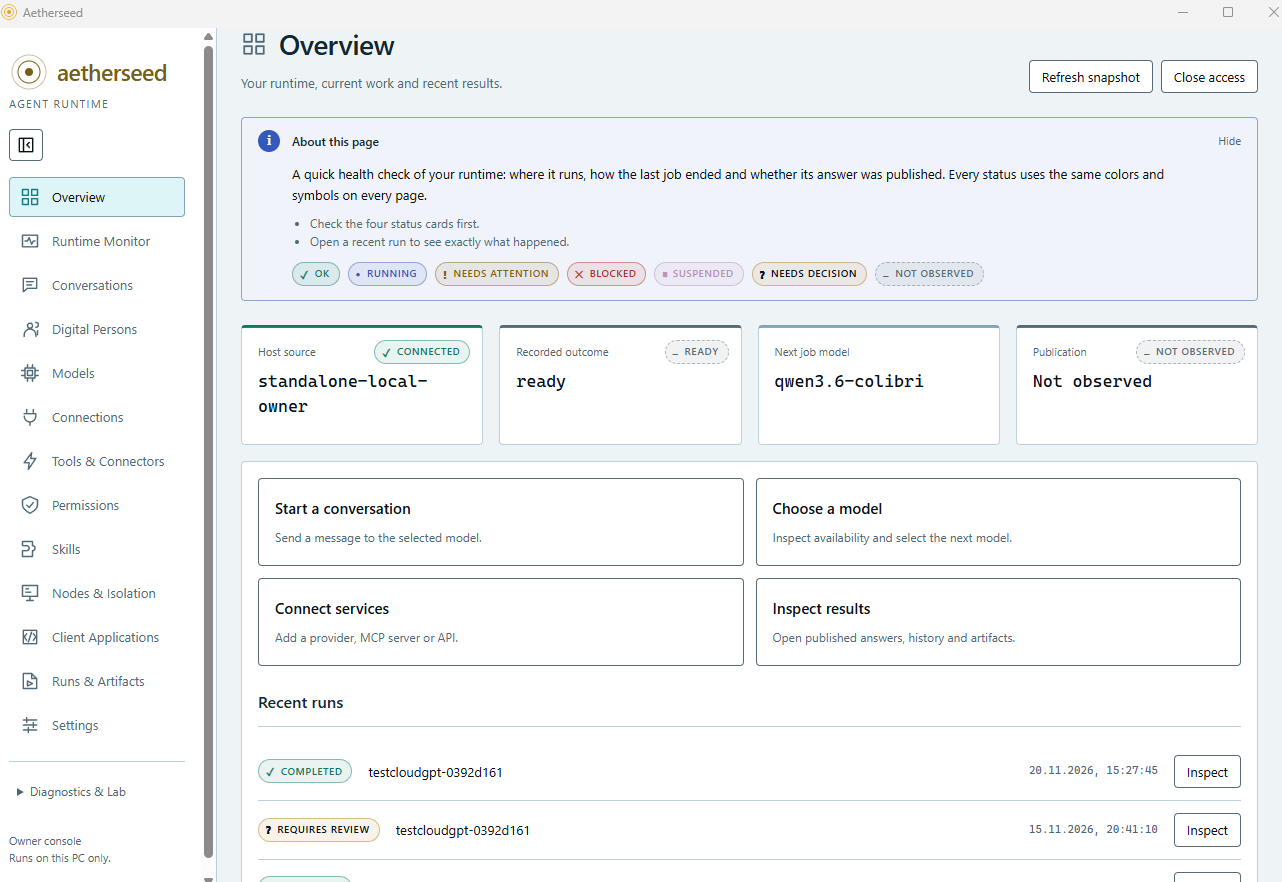
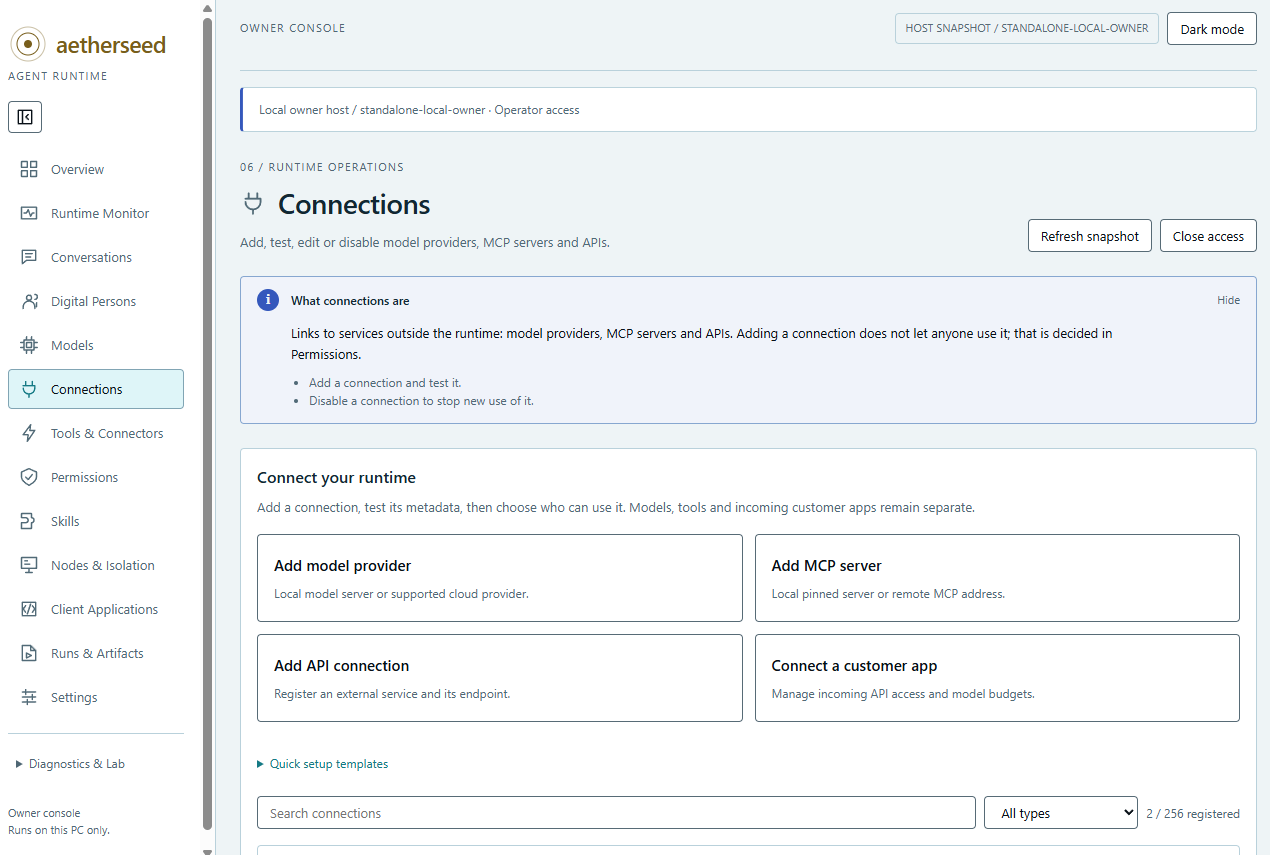
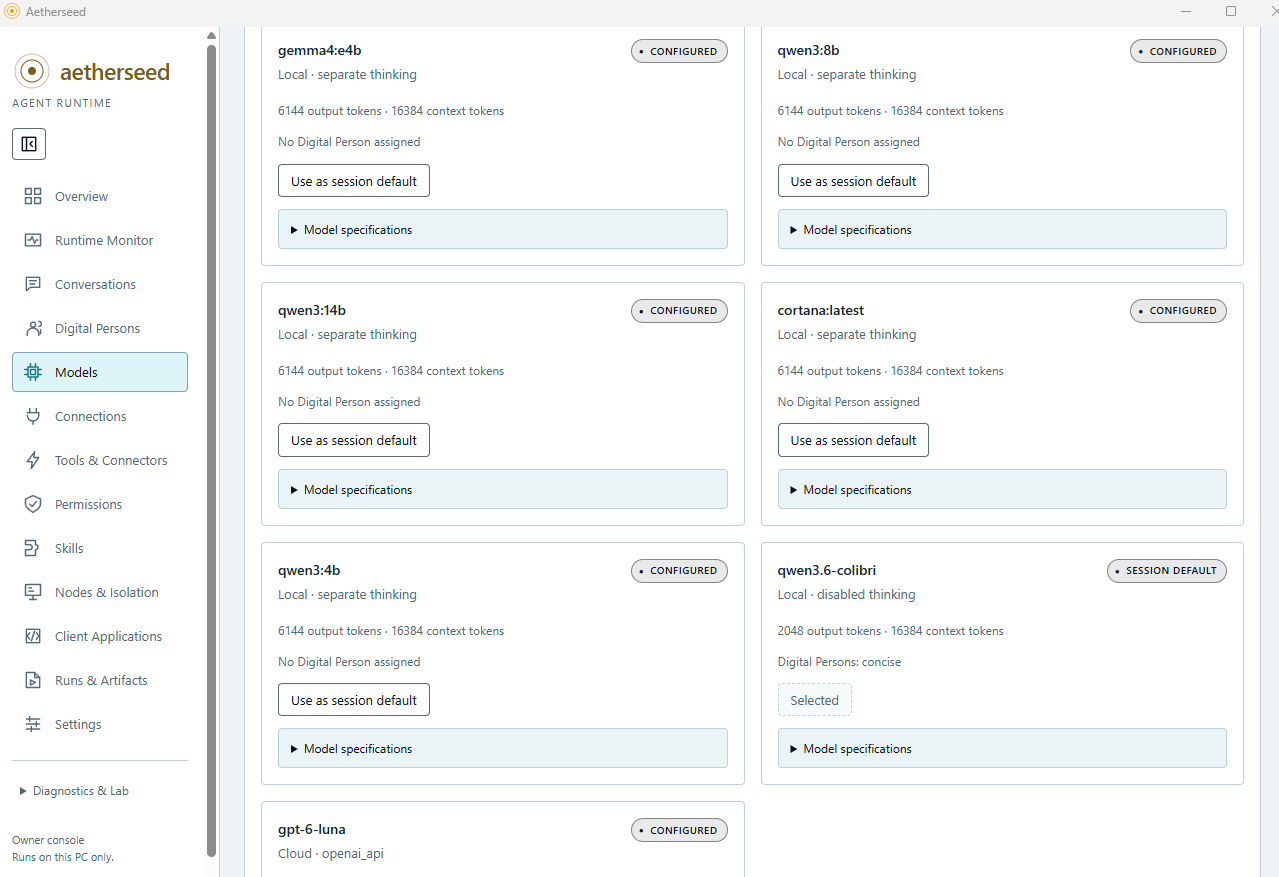
Actual console screenshots · English interface. Select an image to open it at full size.
Showing lightExplore model selection and runtime monitoring
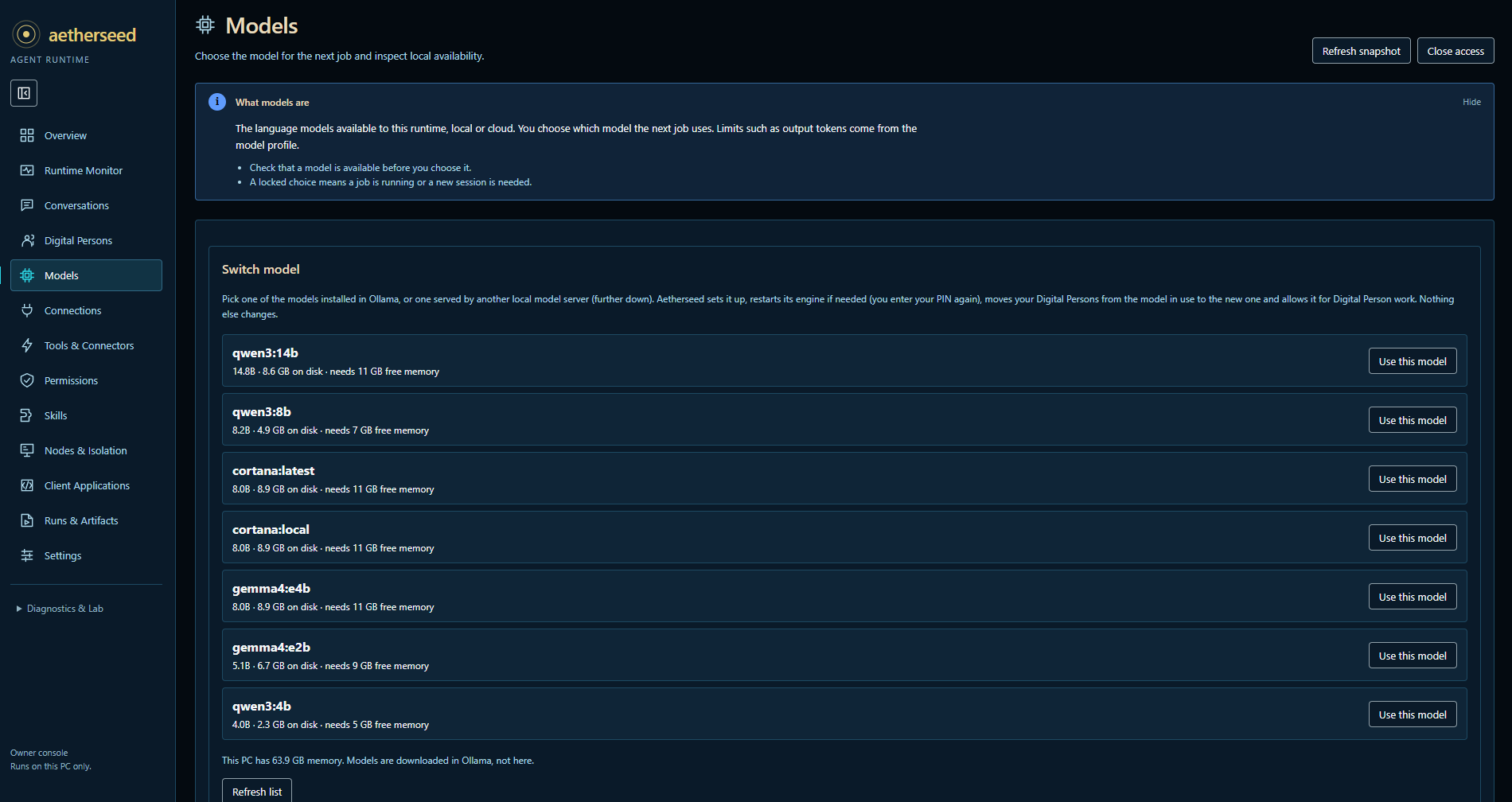
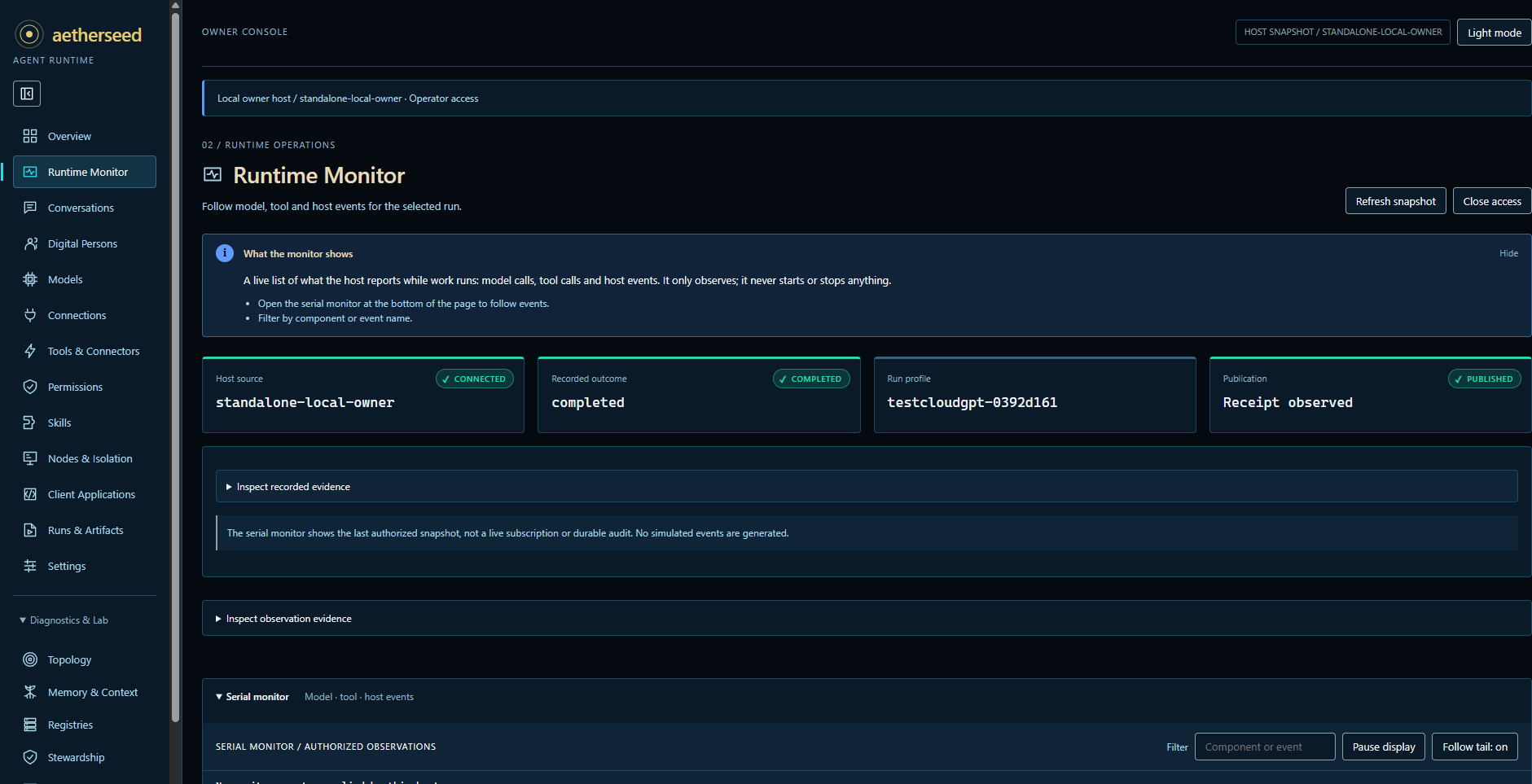
These additional screenshots show the console in dark mode.
One AI runtime.
More ways to use it.
Use ARC’s own console, connect nAvI or keep your existing workspace. The owner and trusted host application grant authority. ARC checks model choice, data flow and tool use, then returns the result.
Grant access for the task
Limit models, data and tools per app and colleague. A connection or a capable model does not grant new permissions by itself.
Choose what may leave the PC
Process suitable tasks locally. Approve cloud use and the types of data that may be shared, with separate boundaries for each app.
Pause and clarify uncertain outcomes
If it is unclear whether an action took place, it is held for clarification. It is not automatically repeated just because the response was lost.
Review what happened
Follow permissions, control decisions and recorded outcomes. Runs and usage give IT and the responsible manager a shared basis for oversight.
Connect an existing app
The Model API supports text through OpenAI Chat Completions, OpenAI Responses and Anthropic Messages, as well as local embeddings. For supported calls, use existing client libraries with a new API address and application key. The API listens only on the same PC.
The Gateway provides access to digital colleagues, conversations managed by ARC and administration. Each app is paired and receives its own permissions.
When using the Model API, the application handles its own tool calls. API access does not automatically provide access to ARC’s tools.
Connect a cloud-hosted web app
An external web app uses the customer channel. ARC connects out to one approved backend and retrieves signed jobs, without opening an inbound port on the PC. This requires backend integration, keys and owner approval.
Control before data sharing or tool use
Cloud data sharing is approved per app and data class. Colleague memory is never sent to cloud models. Commands, code and local MCP servers run in a Windows sandbox; the browser uses its own sandbox.
Email is prepared as a draft and sent only after approval. Answers are checked before release and may be withheld when information cannot be traced to the material supplied to the model.
These controls reduce risk but do not guarantee freedom from errors or unwanted actions. They do not replace your organisation’s risk assessment or human review of important results.
Practical integration boundaries
ARC 0.7 requires Windows 11, 64-bit. The Model API, Gateway and console are local to the PC. Answers arrive whole after checking, even when a client requests streaming. OpenAI compatibility does not mean every provider feature is supported.
The model guard can free memory from idle models that ARC loaded itself. Model usage and capacity limits are configured for your setup.
From installation to your first task.
Install and choose a model
Install for your Windows user without administrator rights. Choose a local model server or add OpenAI or Anthropic with your API key.
Set permissions and limits
Decide which apps and digital colleagues may use the models. Set tools, folders, data-sharing permissions and usage caps.
Use the console or connect an app
Start a conversation in ARC, connect a supported client to the Model API or pair nAvI through the Gateway. Review the result in the console.